- Sea Wolf, also called Ocean Cleanup or Ocean Treatment, runs for about 30 minutes across three sites, according to candidate reports.
- Every site repeats the same stages, so once the first site is done, the next two go faster.
- Separate the rules of the task from the conditions that are scored. Then write the scored conditions down before you look at a single microbe.
- Start with combinations that avoid the undesired trait. Compare numeric attributes across the whole treatment: an individual value outside a range can still help the average fit.
- Convert each average range into a range for the total of three. Checking a treatment then takes three additions.
The Sea Wolf is the second of the three McKinsey Solve games. For the overview of all three, including durations, versions and official rules, start with the complete McKinsey Solve guide. This page goes deeper on Sea Wolf only: how a site works, what you are trying to achieve, and a full site solved by hand.
What Sea Wolf asks you to do
You play a researcher treating three contaminated ocean sites. At each site you choose a treatment of three microbes, and the treatment is judged on how well the three together match the site's requirements. McKinsey does not publish the length of each game, but candidate reports consistently describe about 30 minutes for the three sites, with the same version in both the 85-minute and the 95-minute invitations.
Each microbe has three numeric attributes, scored from 1 to 10, and one trait. Each site sets a required range for every attribute, one desired trait and one undesired trait. Attribute names vary between reports; the example on this page uses Permeability, Mobility and Energy, the labels our simulator uses, and four traits: Aerobic, Heat Resistant, Light Sensitive and Phosphorus Removal.
The key word is together. For the attributes, what matters is the average of the three microbes, not each microbe on its own. For the traits, it is enough for one of the three to carry the desired trait, and it is enough for one of them to carry the undesired trait to lose that condition.
The four stages of each site
Candidate reports describe the same sequence at every site, and our simulator follows it. Some guides count five steps because they treat the final confirmation as a separate step; the work is the same.
- Characteristics. You choose two characteristics to prioritise: two attributes, two traits or one of each. In our simulator, as in the reports, this choice shapes the starting prospect pool but not the microbes you sort next.
- Categorise microbes. Ten microbes appear one at a time, and you send each to Current Site, Next Site or Return. The game's own guidance is to look for microbes with at least two attributes inside the site's ranges and without the undesired trait. A short insight about the next site tells you what is worth sending forward.
- Prospect selection. Your pool starts with six microbes. Four times, you pick one microbe out of three offered, so the pool ends with ten. Two microbes offered in the same round can never both be in your pool.
- Treatment. You choose three microbes from the pool of ten and confirm. Once confirmed, the site is closed and you move to the next one.
At Site 2 and Site 3, the microbes you sent forward come back first for a second sort, then the four stages repeat. This repetition is the main reason Site 1 feels slow and Sites 2 and 3 feel faster: you are no longer learning the interface, only applying the same routine to new numbers.
Rules of the task versus conditions to optimise
Before deciding what to exclude, it helps to separate two different kinds of condition. Some are rules of the task: the game enforces them, and you cannot break them even if you want to. Others are objectives: the game lets you miss them, and each one you miss costs part of the score.
Rules of the task (enforced)
- Exactly three microbes per treatment.
- The treatment comes from your pool of ten.
- One microbe per prospect round, two characteristics in stage 1.
- One timer for all three sites; a confirmed site cannot be reopened.
Conditions to optimise (scored, as reported)
- Average Permeability inside its range.
- Average Mobility inside its range.
- Average Energy inside its range.
- At least one microbe with the desired trait.
- No microbe with the undesired trait.
Use these five conditions to check each treatment. A combination that meets all five may not be available, so compare the conditions each option meets. McKinsey does not publish its scoring weights; the method below focuses on meeting the stated requirements rather than assuming a particular points formula.
None of the five is a hard filter, which changes how you should read a pool:
- Set aside first: microbes with the undesired trait, because any treatment containing one misses that condition. Reconsider them only if the remaining pool cannot produce a better overall combination.
- Anchor on: microbes with the desired trait. You need one, not three, so pick the anchor first and build around it.
- Only compare: microbes outside one or more ranges. Because the score depends on the average, a high value can offset a low one. Excluding them on sight is the most common way to throw away the best treatment, as the example below shows.
Before you look at a single microbe, write the three ranges, the desired trait and the undesired trait for the site. You will check against them about thirty times per site, so reading them once from your own notes is faster than going back to the panel each time. Notes you write during the assessment are different from prepared notes, which McKinsey's FAQ does not allow.
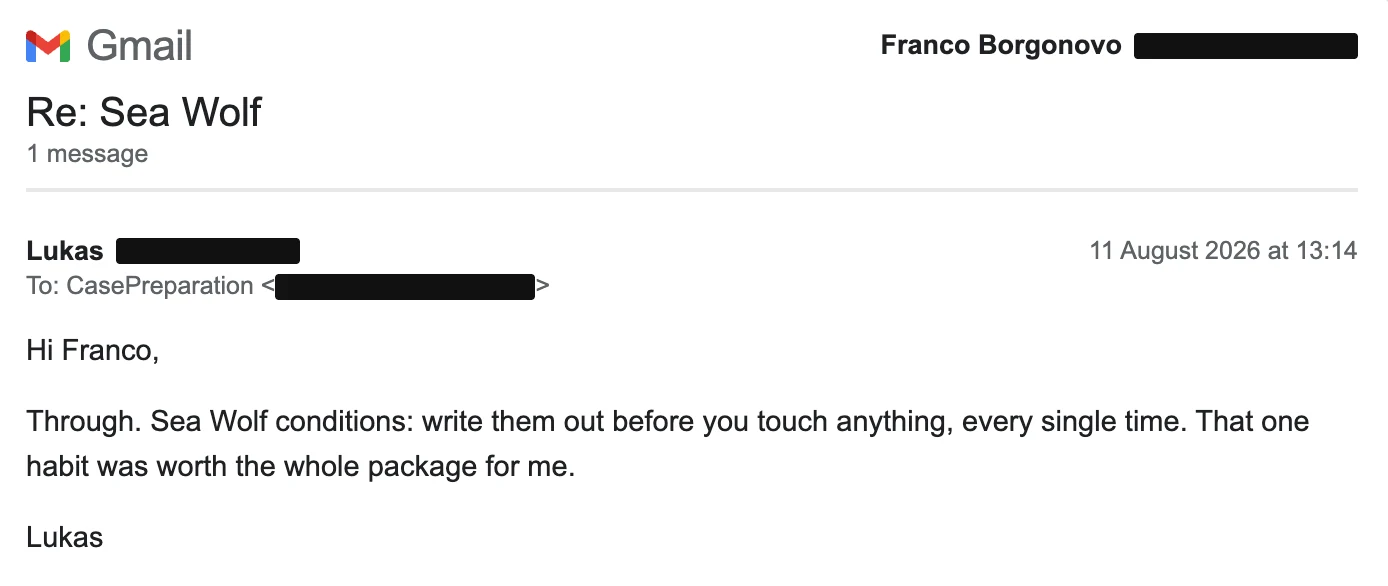
Lukas, on writing the conditions down before touching anything.
Turn averages into totals
Checking whether an average falls in a range means adding three numbers and dividing by three, for each attribute and for every treatment you try. The division is the slow, error-prone part, and you can remove it once per site.
If the average of three numbers must be between A and B, then their total must be between 3A and 3B. So you multiply the ends of each range by three once, write the totals next to the ranges, and from then on you only add. At least one detailed candidate report describes no calculator in Sea Wolf, and the numbers are small whole values, so this is easy to do in your head.
Average between 4 and 6 → total between 12 and 18
Average between 2 and 4 → total between 6 and 12
Average between 5 and 7 → total between 15 and 21
The same idea gives you a second shortcut. Once you fix one microbe, you can subtract its values from the totals and see what the other two must add up to. That remaining budget tells you, before any trial, which pairs can and cannot work.
A worked example: one site solved by hand
The site, microbes and values below are fictional and written for this guide. They follow the structure described above, but they are not taken from the real assessment or from our paid scenarios.
Step 1. Write the conditions and convert them
The site requires average Permeability 4–6, average Mobility 2–4 and average Energy 5–7. The desired trait is Aerobic; the undesired trait is Light Sensitive. Converted into totals, the treatment needs:
Permeability total 12–18 · Mobility total 6–12 · Energy total 15–21
Need at least one Aerobic · Avoid every Light Sensitive
Step 2. Read the pool of ten
Values are listed in the order Permeability, Mobility, Energy. Microbes without a label stay in play and only need comparing.
| Microbe | P·M·E | Trait and first pass |
|---|---|---|
| A | 5·3·6 | Heat Resistant |
| B | 8·2·9 | Aerobic · anchor |
| C | 4·6·4 | Phosphorus Removal |
| D | 5·3·6 | Light Sensitive · drop |
| E | 2·1·9 | Aerobic · anchor |
| F | 6·4·7 | Heat Resistant |
| G | 4·3·5 | Light Sensitive · drop |
| H | 5·4·3 | Phosphorus Removal |
| I | 7·8·9 | Aerobic · anchor |
| J | 4·2·7 | Heat Resistant |
D and G go first, because of the undesired trait. Note that D has perfect numbers: every value sits inside its range. It still costs a condition, which is why the trait check comes before the numbers.
B, E and I carry the desired trait, so every strong treatment contains at least one of them. Everything else stays in play, including C and H, which look poor on their own.
Step 3. Fix the anchor and compute the budget
Take B as the anchor. Subtract its values from the required totals to find what the other two microbes must add up to.
Permeability: 12–18 minus 8 → 4–10
Mobility: 6–12 minus 2 → 4–10
Energy: 15–21 minus 9 → 6–12
The Energy budget is the tight one. A, F and J, the three microbes that sit inside every range, have Energy 6, 7 and 7, so any two of them add up to at least 13. No pair of those three microbes can meet every condition with B. B needs a partner with low Energy, and only C (4) and H (3) qualify.
Step 4. Try a pair inside the budget
H and J together give Permeability 5 + 4 = 9, Mobility 4 + 2 = 6 and Energy 3 + 7 = 10. All three totals sit inside the partner budget, so B + H + J should meet every range. Check it in full before confirming:
Permeability 8 + 5 + 4 = 17 (12–18) ✓
Mobility 2 + 4 + 2 = 8 (6–12) ✓
Energy 9 + 3 + 7 = 19 (15–21) ✓
Aerobic present (B) ✓ · No Light Sensitive ✓ → five of five
The final check uses three sums and a check of the two traits. Calculating the partner ranges first ruled out three pairs before you needed to test them.
Two treatments compared
Now compare the treatment above with the one many candidates build first. The instinct is to keep the microbes that look right individually and add an Aerobic microbe to meet the trait condition. With A and J as the two "safe" picks, the treatment is A + J + B.
| Check | A+J+B | B+H+J |
|---|---|---|
| Permeability (12–18) | 17 ✓ | 17 ✓ |
| Mobility (6–12) | 7 ✓ | 8 ✓ |
| Energy (15–21) | 22 ✗ | 19 ✓ |
| Aerobic present | ✓ | ✓ |
| No Light Sensitive | ✓ | ✓ |
| Conditions met | 4 of 5 | 5 of 5 |
Both treatments contain B and J. The only difference is the third microbe: A, which is inside every range, against H, whose Energy of 3 is below the range. Yet H is the right choice, because the treatment needs a low Energy value to offset B's 9, and A's 6 is too high to do that. A + J + B misses the Energy range by one point.
The general lesson is that a microbe is never good or bad on its own; it is good or bad for a given treatment. In this fictional pool, every treatment that meets all five conditions contains C or H, the two microbes a "keep only what fits every range" filter would have thrown away. A treatment of A + F + J, all three individually perfect, still misses a condition, because none of them is Aerobic.
Checking the trait after the numbers wastes time on microbes like D, which can never be part of a full-score treatment. Requiring every microbe to sit inside every range discards the microbes that make the averages work.
Use the earlier stages to set up the treatment
The treatment is where the score is reported, but the earlier stages decide what you have in your pool when you get there. A few habits help.
Characteristics. Choose the attribute range that looks hardest to meet and the desired trait. The first narrows the pool towards the values you need; the second makes it more likely that you start with an anchor.
Categorise. Return microbes with the undesired trait unless the next-site insight says they are useful there. Keep microbes with two attributes in range, and send forward those that fit the insight about the next site better than the current one.
Prospect selection. Each round offers three microbes and you keep one. Think in terms of the treatment, not the single microbe: if your pool has no anchor yet, take the microbe with the desired trait; if it already has one, take the microbe that offsets your anchor's extreme values, as H offsets B above.
Pacing: about ten minutes per site
With about 30 minutes for three sites, ten minutes per site is a useful reference, and it is the split most preparation sources suggest. Site 1 usually takes longer because you are still learning the screens, so aim to recover a little time on Sites 2 and 3 rather than rushing the first.
A full score is not always available. The game itself says a fully effective combination may not exist, and a site where the best treatment meets four conditions out of five is normal. When you have a treatment that meets four conditions and a few minutes of searching have not found a fifth, confirm it and move on. A good result on all three sites is worth more than a perfect first site followed by two rushed ones.
Before the first microbe
Write ranges, totals and the two traits. About one minute.
During the sort and prospects
Start with microbes that avoid the undesired trait; keep those with the desired trait and those that balance their values. About five minutes.
At the treatment
Fix the anchor, compute the budget, check one or two pairs. About three to four minutes.
Treat this split as a starting point and adjust it after your first timed run.
McKinsey's official FAQ does not allow applications, websites, AI tools or prepared notes during the assessment. Some preparation material suggests using a spreadsheet or "solver" during Sea Wolf; that conflicts with the rule and puts your result at risk. The totals and budget method above requires only simple arithmetic. Follow the assessment instructions on permitted materials.
What our practice report adds
After a run, it is hard to tell from memory why a site scored less than you expected. The detailed report in full access shows, for each site, the three microbes you sent, each of the five conditions met or missed with your totals against the targets, and the time each site took. It also shows which conditions you missed most often across the three sites, so you know what to focus on in your next run.
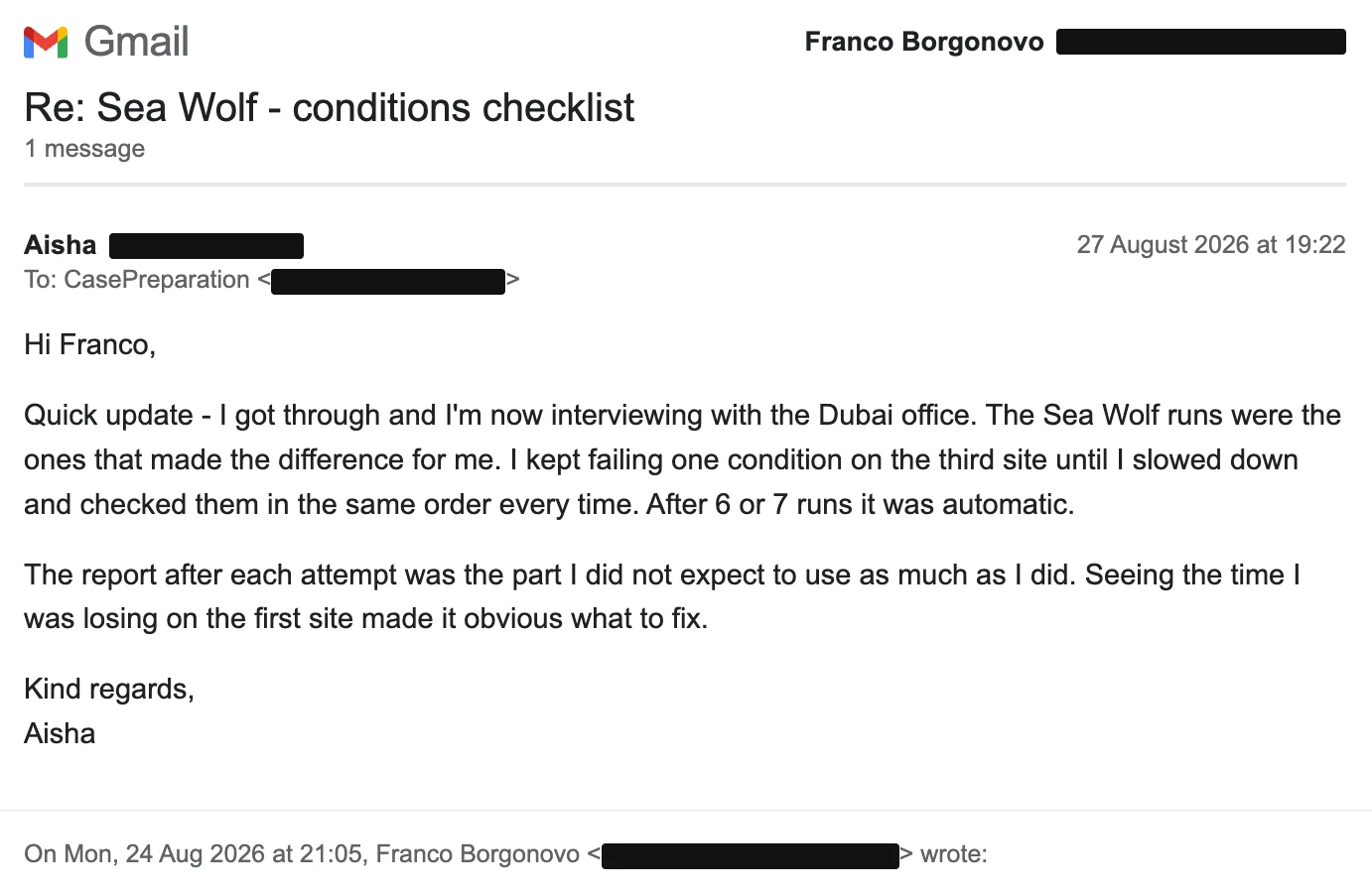
Aisha, on using a checklist of conditions and seeing in the report where she lost time on the third site.
McKinsey Solve · full access
Practise Sea Wolf with a new site every run
The free Sea Wolf run is a complete, timed game that you can replay as often as you like, on the same sites each time and without a detailed report. Full access generates a new scenario for every run, so you practise the method rather than remembering the answer.
- Unlimited generated Sea Wolf runs, plus Redrock Study and Sustainable Futures Lab
- Detailed report and PDF after every run
- 12 months of access, US$149, one payment
Money-back guarantee if you do not pass McKinsey Solve, subject to conditions. CasePreparation is independent and not affiliated with McKinsey & Company.
A practice routine for Sea Wolf
A few reviewed runs teach more than many runs played without a review.
Play one timed run to see where you lose time or conditions, practise that point, then play again and compare. Sea Wolf comes after Redrock Study, whose rhythm is quite different, and before the Sustainable Futures Lab, which is about judgement rather than numbers.
Is Ocean Cleanup the same game as Sea Wolf?
Yes. Candidates and preparation sites use Sea Wolf, Ocean Cleanup and Ocean Treatment for the same McKinsey Solve game, in which you choose microbes to treat contaminated sites.
Can I use a spreadsheet or calculator during Sea Wolf?
McKinsey's FAQ does not allow applications, websites or AI tools during the assessment, and at least one detailed candidate report describes no calculator in Sea Wolf. The sums are small whole numbers, and turning averages into totals keeps them quick to do in your head.
What if no treatment meets all five conditions?
That can happen, and the game warns about it. Pick the treatment that meets the most conditions, confirm it and move on, so you keep enough time for the remaining sites.
Where to start
The quickest way to learn the four stages is to play them once under time. Start with the free Sea Wolf run, then use the totals and budget method from the example on your next attempt.
McKinsey Solve · free practice
Try Sea Wolf free, under real time pressure
One complete timed scenario for each of the three games, replayable, with no card needed.

About Franco
Franco Borgonovo
Former BCG Principal · 10-year tenure · Official BCG coachFranco spent ten years at BCG, from intern to Principal, interviewing and selecting candidates as a global lead recruiter. He is still an official BCG coach for new hires, and today works one to one with candidates on applications, McKinsey Solve and interviews.
More about Franco →- McKinsey Solve FAQ (August 2025) · official rules: untimed tutorials, no applications, websites, AI tools or prepared notes